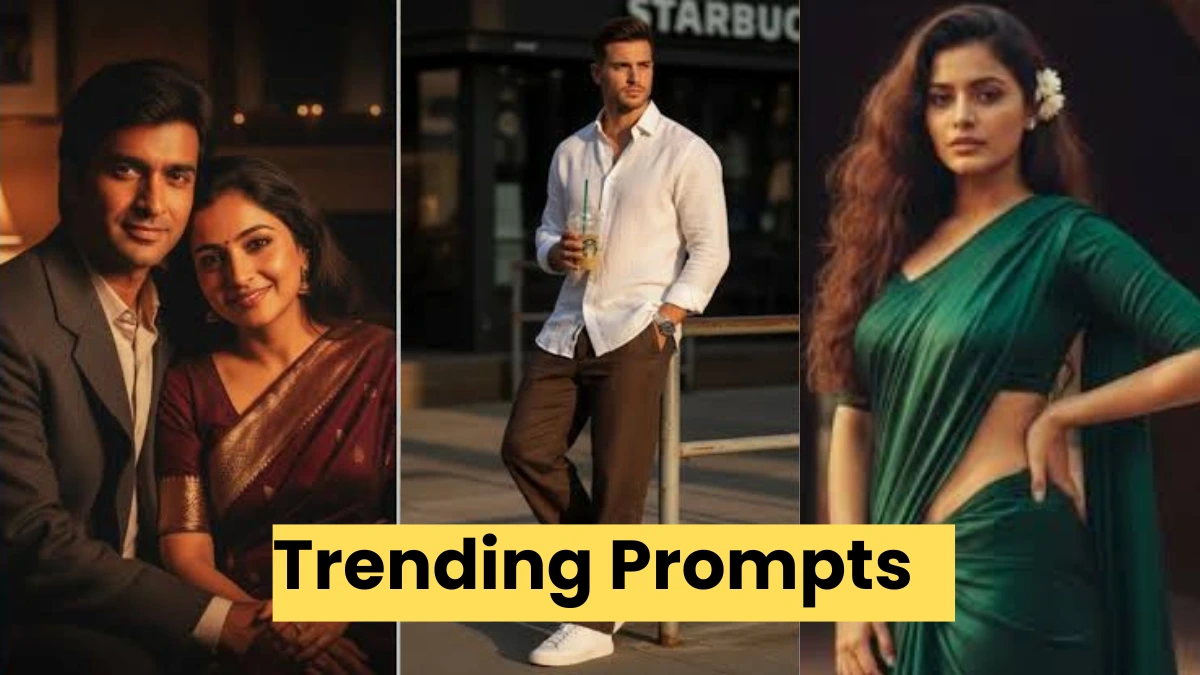
AI photo editing की दुनिया में हर दिन नए tools आ रहे हैं, लेकिन Hunyuan Image 3.0 ने अपनी अलग पहचान बना ली है। यह AI खास तौर पर उन लोगों के बीच तेजी से लोकप्रिय हो रहा है, जो realistic, clean और professional look वाली photos बनाना चाहते हैं।
आज Instagram DP, reels, personal branding और thumbnails के लिए लोग traditional editing छोड़कर Hunyuan AI prompts का इस्तेमाल कर रहे हैं। इस लेख में हम आपको बताएंगे कि Hunyuan Image 3.0 AI photo editing prompts क्या होते हैं, और कैसे आप इन्हें इस्तेमाल करके high-quality images बना सकते हैं।
Hunyuan Image 3.0 क्या खास बनाता है?
Hunyuan Image 3.0 एक advanced AI model है जो human face details, natural lighting और skin texture को काफी अच्छे तरीके से समझता है। इस वजह से इससे बनी photos over-edited नहीं लगतीं, बल्कि DSLR जैसी natural feel देती हैं। यह AI खासकर portrait photography, lifestyle photos और studio-style images के लिए ज्यादा उपयोगी मानी जा रही है।
Hunyuan Image 3.0 AI Photo Editing Prompts कैसे काम करते हैं?
Hunyuan prompt एक simple text होता है जिसमें आप बताते हैं कि photo में किस तरह का look चाहिए, background कैसा हो, lighting कैसी रहे और subject का mood क्या हो। AI उसी description के आधार पर image generate करता है।
जितना साफ और simple prompt होगा, result उतना बेहतर मिलेगा।

Hunyuan Image 3.0 के लिए Trending AI Prompts
1. Natural Portrait Prompt
“Realistic portrait with natural skin tone, soft daylight, clean background, professional photography style”
2. Cinematic Depth Look
“Cinematic portrait with shallow depth of field, dramatic light and shadow, realistic facial details”
3. Clean Aesthetic Style
“Minimal aesthetic portrait, pastel background, soft lighting, calm expression, modern photo look”

4. Confidence Mood Prompt
“Confident portrait with sharp focus, neutral background, realistic lighting, premium look”
5. Studio Headshot Style
“Studio headshot portrait, softbox lighting, plain background, high clarity, realistic texture”
और नए AI Prompts (Updated 2026 Style)
6. Outdoor Sunlight Look
“Outdoor portrait shot in natural sunlight, realistic shadows, candid expression”
7. Classic Black & White
“Black and white realistic portrait, balanced contrast, studio lighting, timeless style”
8. Fashion Editorial Look
“Fashion editorial portrait, modern outfit, clean studio background, realistic photography”
9. Emotional Expression Prompt
“Emotional portrait with soft lighting, expressive eyes, natural skin texture”
10. Lifestyle Urban Photo
“Lifestyle portrait in urban setting, cafe background, candid pose, realistic colors”
बेहतर रिजल्ट के लिए जरूरी बातें
Prompt लिखते समय
lighting, realism और background को जरूर mention करें।
बहुत ज्यादा keywords जोड़ने से बचें, क्योंकि इससे image artificial लग सकती है।
Simple और natural language सबसे अच्छा result देती है।
Hunyuan AI Images का इस्तेमाल कहाँ करें
Hunyuan Image 3.0 से बनी photos का उपयोग Instagram और WhatsApp DP, reels thumbnails, personal portfolio, branding और profile photos के लिए किया जा सकता है। कम समय में professional quality images मिलने की वजह से content creators के बीच यह tool तेजी से लोकप्रिय हो रहा है।

निष्कर्ष
अगर आप AI से ऐसी photos बनाना चाहते हैं जो real लगें, clean दिखें और professional feel दें, तो Hunyuan Image 3.0 AI prompts आपके लिए एक बेहतरीन विकल्प हैं।
सही prompt लिखकर आप बिना camera और editing skills के शानदार images बना सकते हैं।